A focused Mac utility for macOS 14+
See what’s using your Mac. Know what remains.
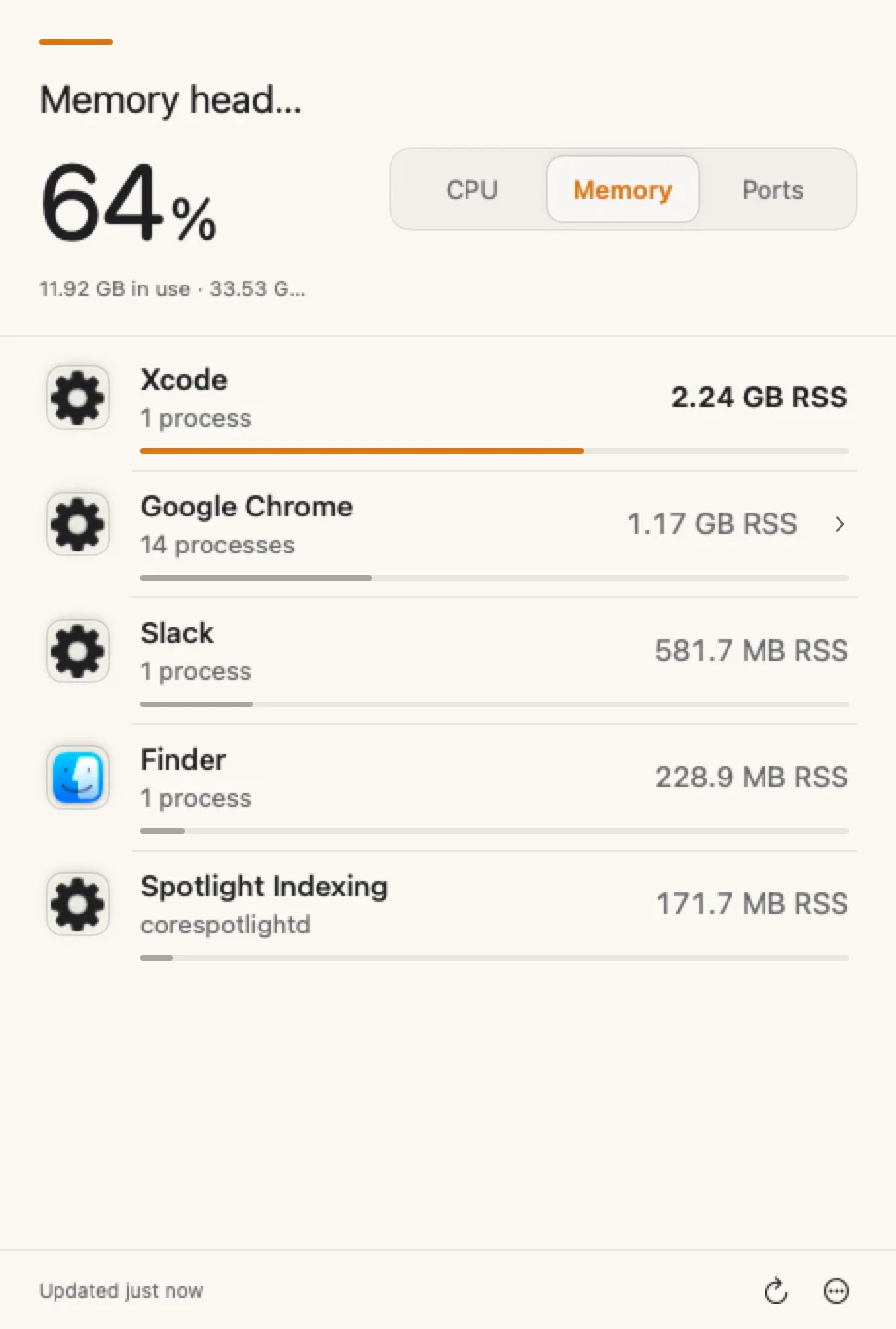
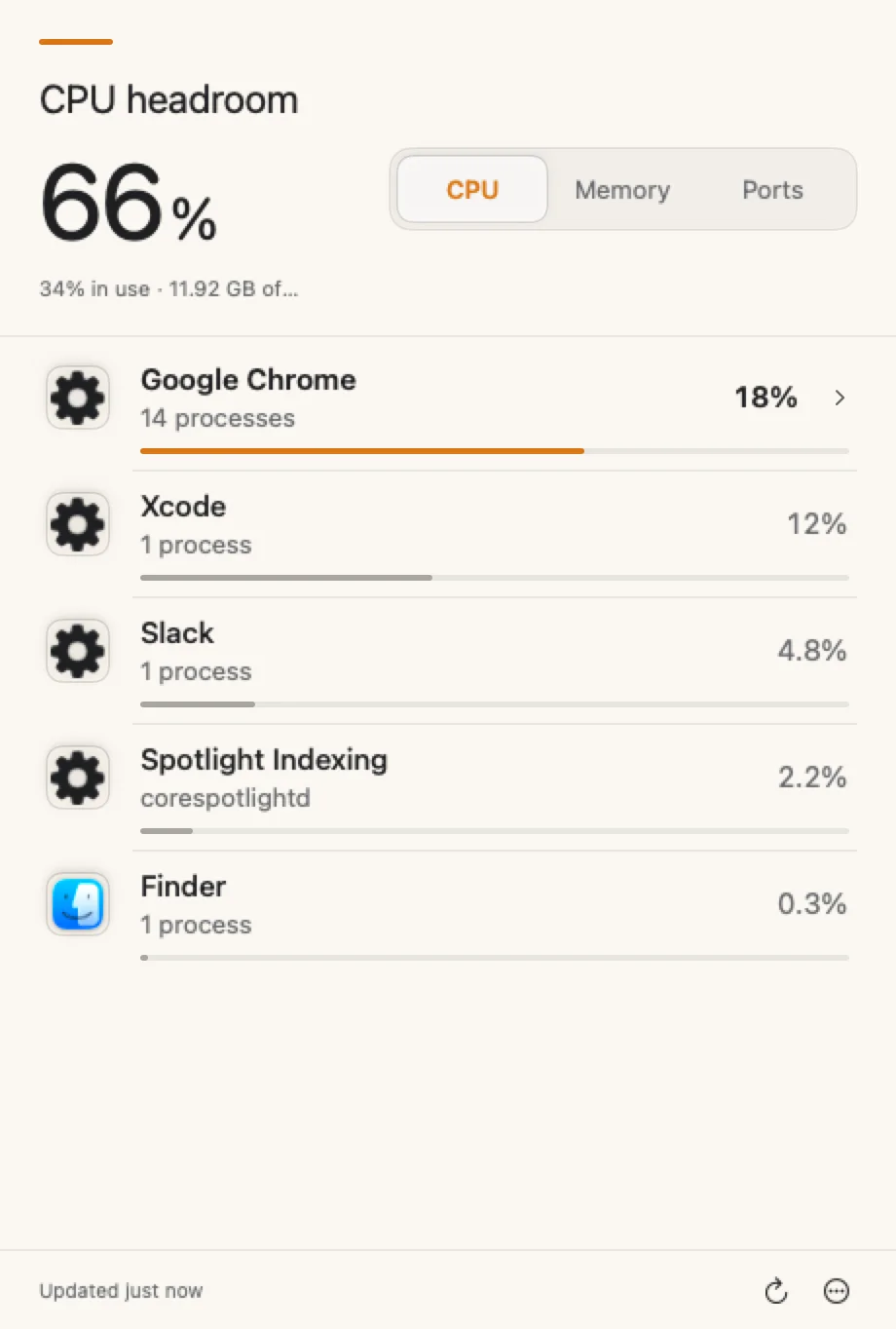
CPU, memory, and local listening ports—grouped by app, right from your menu bar.
- Free Direct edition
- macOS 14+
- No account
Less noise
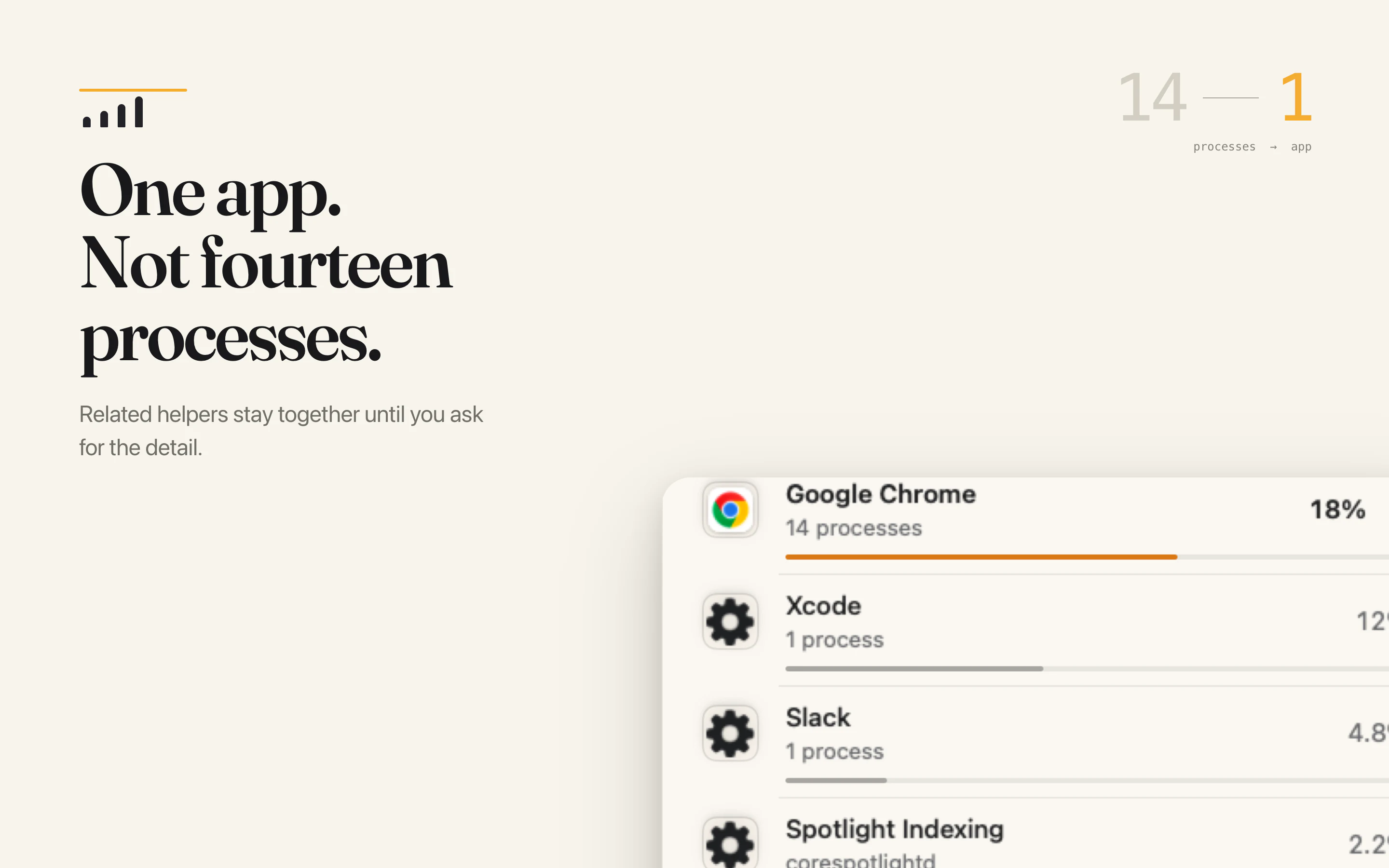
One app, instead of a wall of helper processes.
System Headroom recognizes related processes and rolls them into a single app row. Expand it when you want the details. Ignore them when you don’t.
Memory, named honestly.
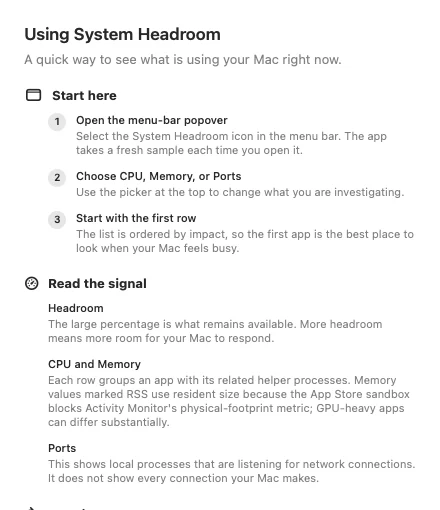
The Mac App Store edition labels each app’s value as RSS—resident memory. That number can differ from Activity Monitor, especially for apps with shared or GPU-heavy helpers.
No mystery metric. No false promise of an exact Activity Monitor match.
Built-in Help
Plain-language answers stay close.
Open Help for a quick glossary of headroom, RSS, ports, and grouped processes.
TCPUDP
Know what is listening on your Mac.
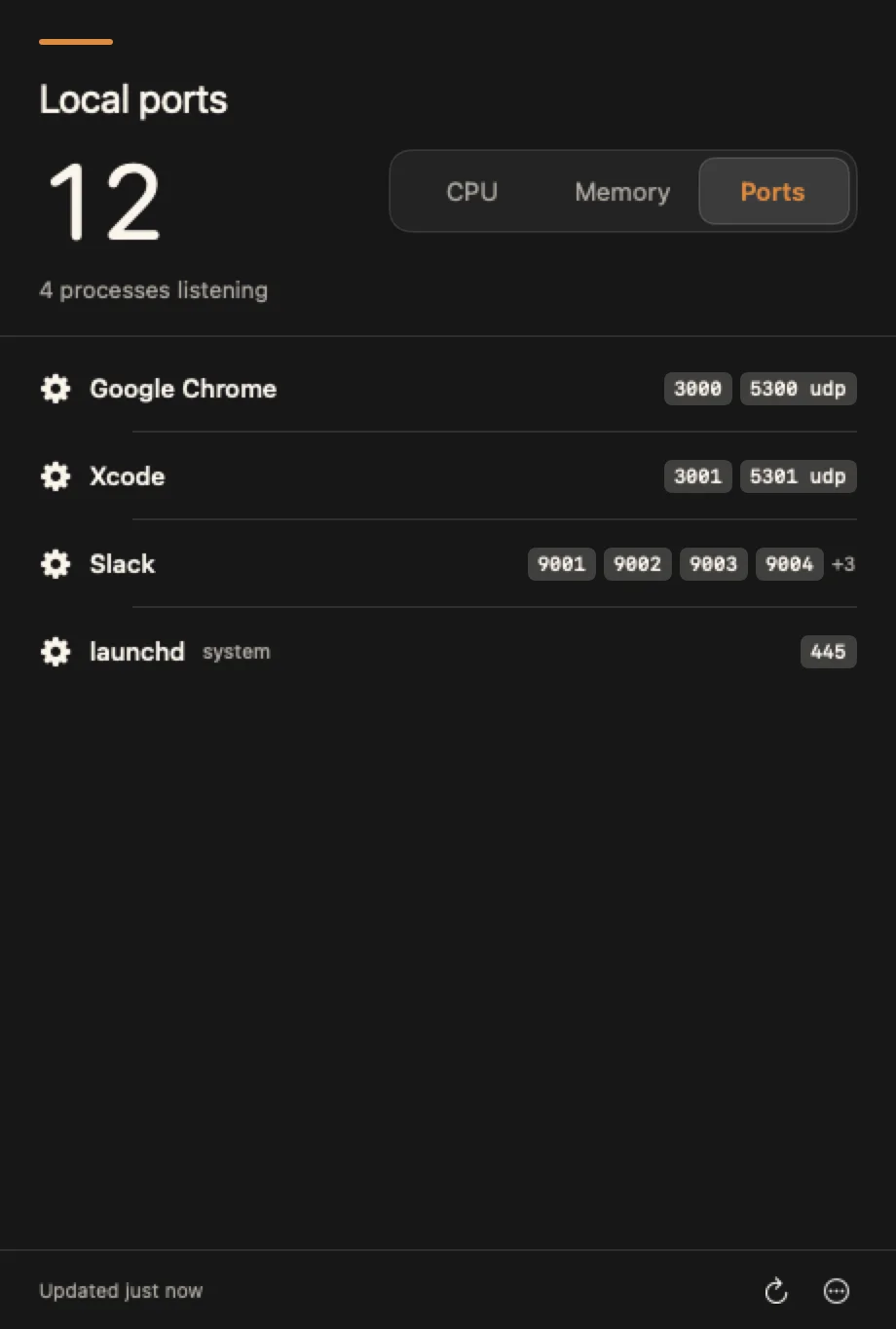
The Ports view maps local listening ports to the app that owns them, then groups related listeners into one readable row.
- Local listeners, not a history of every connection
- Grouped by app with familiar icons
- Refresh on demand or at your chosen interval
Private by design
Your process samples stay on your Mac.
System Headroom needs visibility into local system activity to give you an answer. That information is not collected, tied to an account, or used to profile you.
- No account Nothing to create or sign in to.
- No analytics or tracking No advertising profile or usage telemetry.
- Process data not collected Samples are read and used locally.

A clearer answer is one click away.
Get the Direct edition free, or choose the Mac App Store edition for a $4.99 one-time purchase.
No subscription. No account.
Good questions. Straight answers.
The practical details before you install.
What’s the difference between the two editions?
Both editions show CPU, memory, and local listening ports. The free Direct edition updates through the app and includes controls to quit other apps. The $4.99 Mac App Store edition is monitoring-only and receives updates through the App Store.
Is this an Activity Monitor replacement?
No. System Headroom is a focused companion for the quick answer: which apps are using CPU and memory, and which apps own local listening ports. Activity Monitor remains the deeper system tool.
Why can its memory number look different?
The Mac App Store edition reports resident memory and labels it RSS. Activity Monitor can use other accounting methods, so totals may differ—especially for apps with shared or GPU-heavy helpers.
Does it keep sampling when the popover is closed?
Sampling pauses when the popover is closed by default. If you enable live CPU in the menu bar, System Headroom keeps that value current while the app is running.
Can it quit or force quit another app?
The free Direct edition can quit or force quit other apps. The Mac App Store edition is monitoring-only.
Which Macs can run it?
System Headroom requires macOS 14 Sonoma or later.